Understanding TradingView: A Comprehensive Overview
In today’s fast-paced trading environment, having a robust platform that brings together all essential tools for analysis, strategy testing, and trading execution is crucial for both novice and experienced traders. TradingView offers just that, allowing users to streamline their workflow and transform complex market data into actionable insights. Its user-friendly interface integrates charting, custom alerts, and collaboration features, making it an all-in-one resource for traders across various markets, including stocks, forex, and cryptocurrencies.
What is TradingView and How Does It Work?
TradingView is a cloud-based market analysis platform that provides advanced charting tools and features for traders and investors. With its interactive and highly customizable charts, users can apply various technical indicators, create custom scripts, and perform in-depth market analysis. The platform is accessible from any device, making it convenient for traders on the go.
At its core, TradingView operates on a freemium model, offering both free and subscription-based plans. Users can access different market data and analysis tools depending on their subscription level, making it flexible and adaptable to various trading needs.
Key Features and Benefits for Traders
The robust features of TradingView significantly enhance the trading experience. Some of the notable capabilities include:
- Customizable Charts: Users can personalize their charts with a wide array of indicators, time frames, and chart types to suit their trading strategies.
- Community Insights: TradingView hosts a vibrant community where traders share trading ideas, scripts, and strategies, allowing users to learn from one another and refine their methods.
- Economic Calendar Integration: The platform integrates news and economic events that can impact market movements, ensuring traders stay informed.
- Real-Time Alerts: Traders can set custom alerts based on price movements, technical indicators, or specific market conditions, receiving notifications via email or mobile app.
Getting Started: Setting Up Your TradingView Account
Starting with TradingView is straightforward. Users can create a free account by visiting their website, and once registered, they can begin customizing their trading environment. The platform also offers various resources, including tutorials and guides, to help users familiarize themselves with its features. After setting up an account, users can explore different markets, apply technical tools, and join the community to enhance their learning.
Building Effective Trading Strategies with TradingView
For traders aiming to develop their skills and strategies, TradingView is equipped with powerful tools that simplify the process of market analysis and strategy formulation.
Utilizing Technical Indicators for Informed Decisions
One of the critical components of effective trading is understanding technical indicators. TradingView provides a comprehensive library of indicators, including moving averages, RSI, MACD, and Bollinger Bands. These tools help traders analyze market trends, identify entry and exit points, and make data-driven decisions.
Utilizing multiple indicators and customizing them to meet individual trading preferences can significantly enhance decision-making processes. By layering indicators, traders can gain a multidimensional view of market dynamics, improving their strategy's robustness.
Creating Custom Alerts for Market Movements
Custom alerts are a vital feature of TradingView. They enable traders to monitor market conditions without constant screen time. For instance, a trader might set an alert for when a stock price breaks out of a specific range, allowing them to act quickly when these events occur. Alerts can be configured to trigger via app notifications or emails, ensuring traders remain updated in real-time.
Backtesting Strategies with TradingView's Tools
Backtesting is an essential part of developing a trading strategy. TradingView’s built-in Strategy Tester allows users to simulate their trading strategies against historical data. By evaluating past performance, traders can refine their strategies without risking real capital. This iterative process enables the continuous improvement of trading plans.
The Role of Community in Enhancing Your Trading Experience
The TradingView community is one of its most potent features, allowing users to collaborate and share knowledge, which enhances the trading experience significantly.
Leveraging Public Scripts and Strategies Shared by Users
Users can access a vast array of public scripts created by fellow traders. These scripts, written in TradingView's Pine Script language, enable users to implement complex strategies with ease. Traders can modify these scripts to tailor their strategies to fit their personal preferences, fostering a collaborative environment.
Engaging in Active Discussions in TradingView's Community
TradingView's community forums and chat features allow users to engage in discussions about market trends, trading strategies, and performance analysis. By participating in these discussions, traders can gain insights from others’ experiences, which can be invaluable for refining their strategies and improving market understanding.
How to Benefit from Shared Knowledge and Mentorship
New traders can leverage the collective expertise of seasoned traders by seeking mentorship within the TradingView community. Experienced users often share their insights on successful strategies, risk management techniques, and market behavior, guiding newcomers as they develop their trading skills.
Advanced Features of TradingView for Professional Traders
For professional traders, TradingView offers advanced features that facilitate in-depth analysis and multiple asset class comparisons.
Multi-Chart Layouts for Comparative Analysis
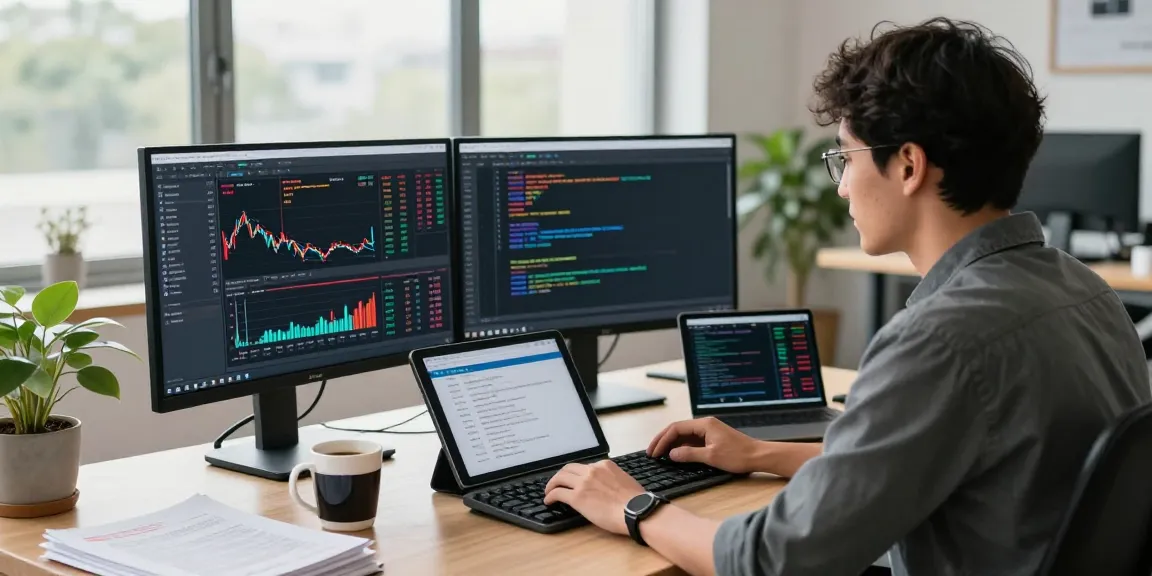
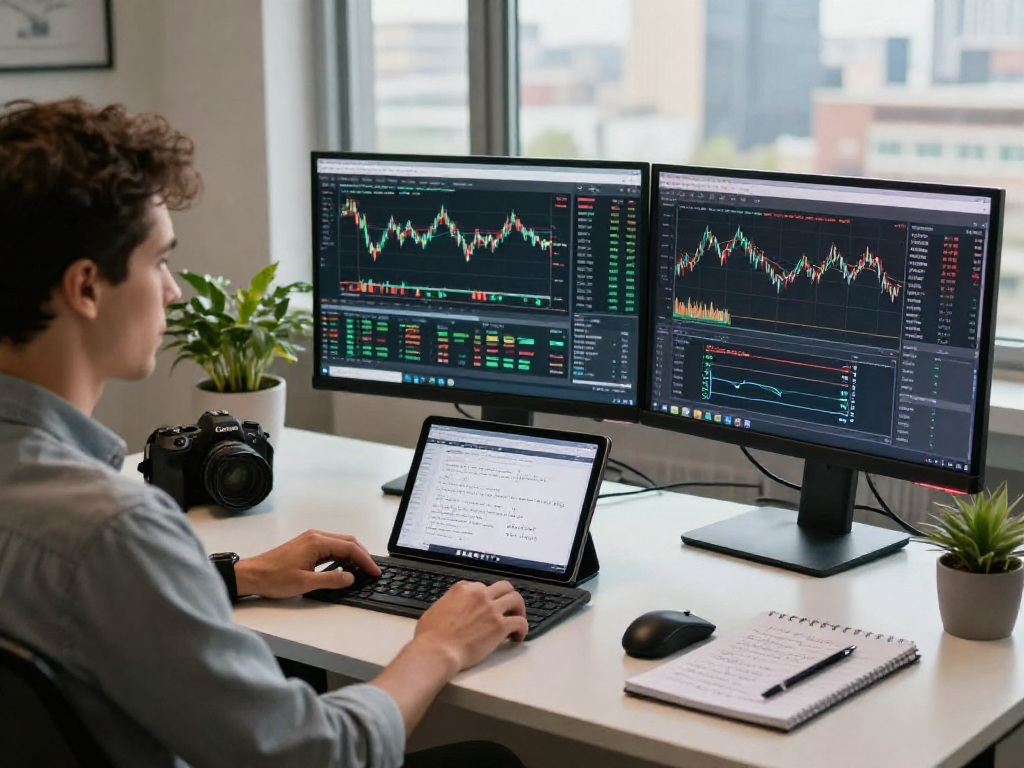
Multi-chart layouts allow traders to monitor multiple assets simultaneously, which is particularly useful for those trading correlated markets or conducting comparative analyses. By displaying various charts side by side, traders can identify trends and correlations that may not be evident when viewing a single asset.
Using Pine Script for Custom Indicator Development
Pine Script enables users to create custom indicators and strategies tailored to specific trading needs. This feature empowers traders to develop proprietary trading tools that can enhance their analytical capabilities further. Testing and refining these custom scripts can give traders a competitive edge.
Integrating Economic Calendars and News Feeds
The integration of economic calendars and news feeds within TradingView allows traders to stay informed of events that could impact their trades. Understanding macroeconomic factors and market-moving news is critical for effective trading. By having access to these resources directly within the platform, traders can make well-informed decisions rapidly.
Future Trends in Trading Technology: What's Ahead for 2026?
As technology advances, the trading landscape continues to evolve. Here are some trends to watch for in the coming years.
Emerging Technologies in Financial Trading Platforms
Artificial Intelligence (AI) and Machine Learning (ML) are increasingly being integrated into trading platforms. These technologies enable sophisticated predictive analytics and can facilitate automated trading strategies, enhancing the trading experience and improving outcomes.
Predictions for User Experience Enhancements in TradingView
Future updates to TradingView may include enhanced user experience features, such as more intuitive interfaces, advanced personalization options, and improved charting capabilities. As user expectations evolve, TradingView is likely to adapt, ensuring it remains a leading platform in the trading community.
How to Stay Ahead in a Rapidly Evolving Trading Landscape
To remain competitive in the rapidly changing trading landscape, traders should continuously educate themselves on new tools and strategies. Engaging with the TradingView community, utilizing educational resources, and adapting to market changes will be vital in maintaining success.
What is TradingView?
TradingView is a comprehensive trading platform that combines charting, social networking, and market analytics, catering to traders of all levels. It offers a variety of tools and resources to facilitate effective trading decisions.
How can TradingView enhance my trading strategies?
TradingView enhances trading strategies through its powerful analysis tools, customizable alerts, backtesting capabilities, and community insights. By leveraging these resources, traders can refine their approaches and improve their market performance.
What are the benefits of community engagement in TradingView?
Community engagement in TradingView provides users with access to shared knowledge, mentorship opportunities, and collaborative insights that can enhance trading strategies and foster continuous learning.
How do I customize alerts in TradingView?
Users can customize alerts in TradingView by setting specific conditions based on price movements, technical indicators, or other metrics. Alerts can be configured to deliver notifications via multiple channels, keeping traders informed in real-time.
What future features can we expect from TradingView?
Future features may include enhanced integrations with AI technologies, improved user interfaces, and expanded community engagement tools, all designed to streamline the trading process and improve decision-making capabilities.